01
BLOCK IN MR
Place the stage
Anchor a miniature set in passthrough. Cast actors, add props and arrange the scene with tracked controllers.
 SHROOZY
VIRTUAL PRODUCTION
GitHub
↗
SHROOZY
VIRTUAL PRODUCTION
GitHub
↗
Shroozy Stage turns a Meta Quest headset into a miniature virtual-production studio. Block actors, animate cameras, record the take — then let AI finish it as a cinematic cut. Free and open source under the MIT licence: clone it, build it, change it.
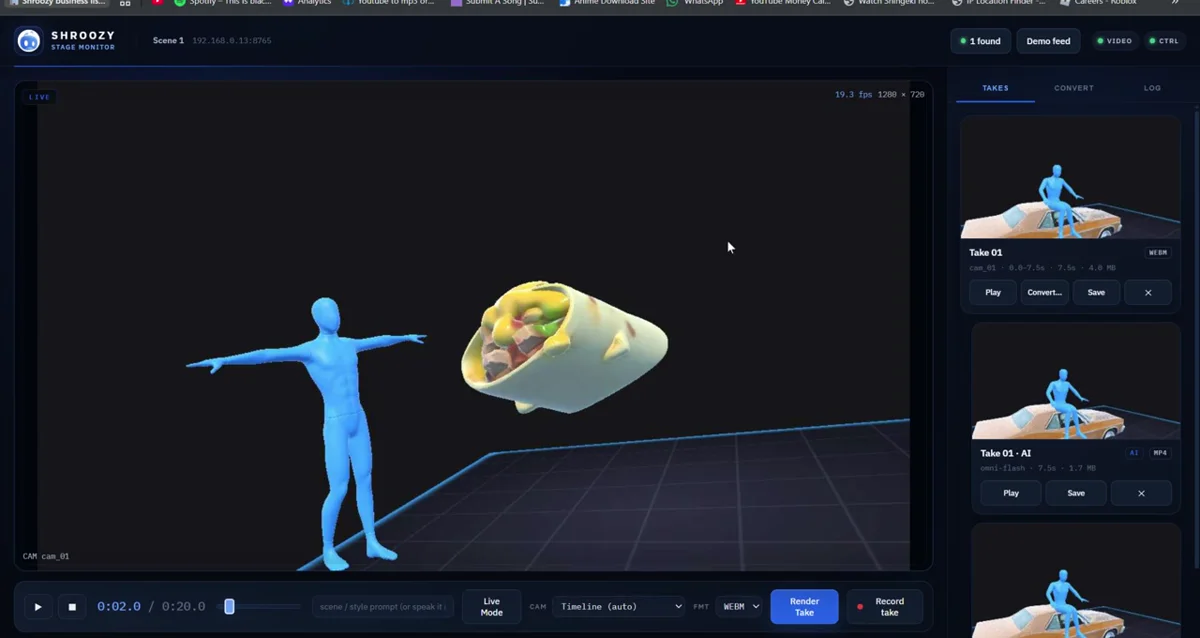
Blocked in the headset, monitored on the desktop, finished with AI.
From blocking to final cut, every stage stays visible and under your direction.
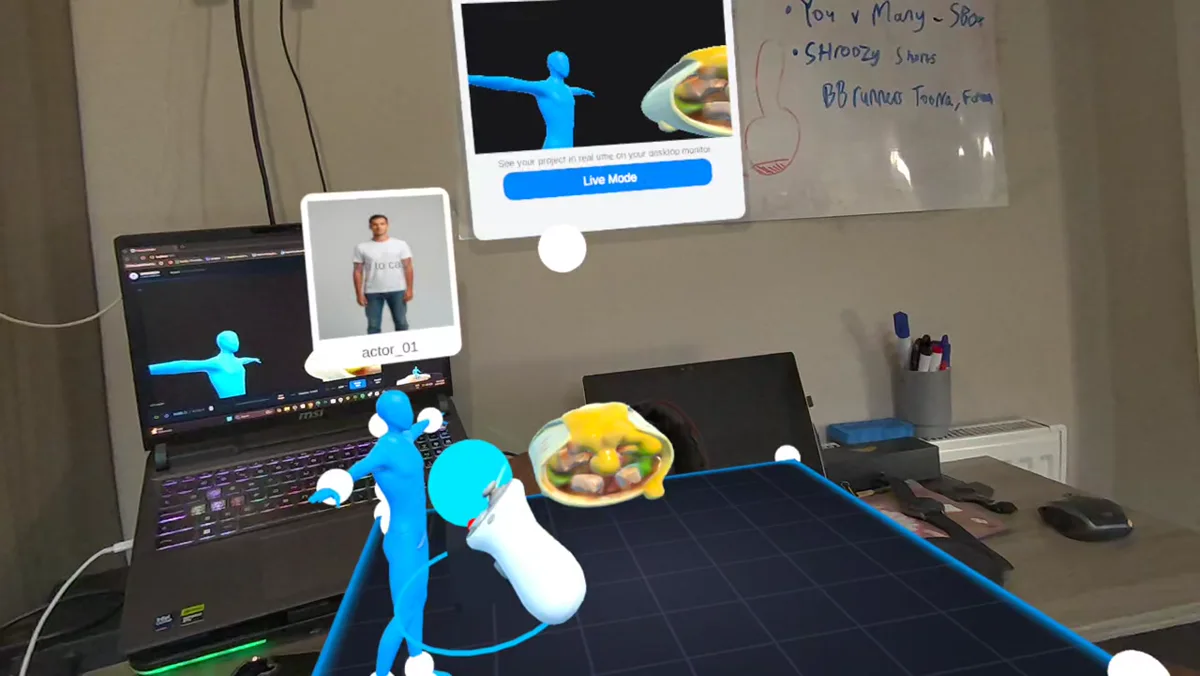
Anchor a miniature set in passthrough. Cast actors, add props and arrange the scene with tracked controllers.
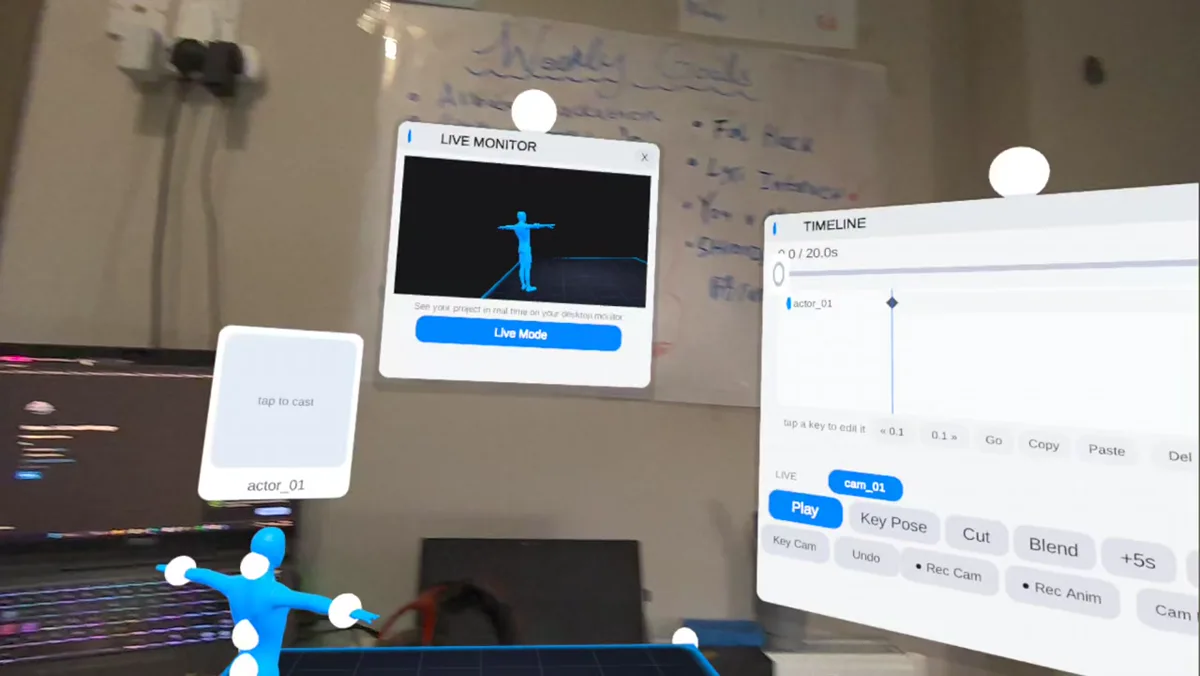
Pose performers, key the timeline, record camera paths and watch the programme feed live on your desktop.
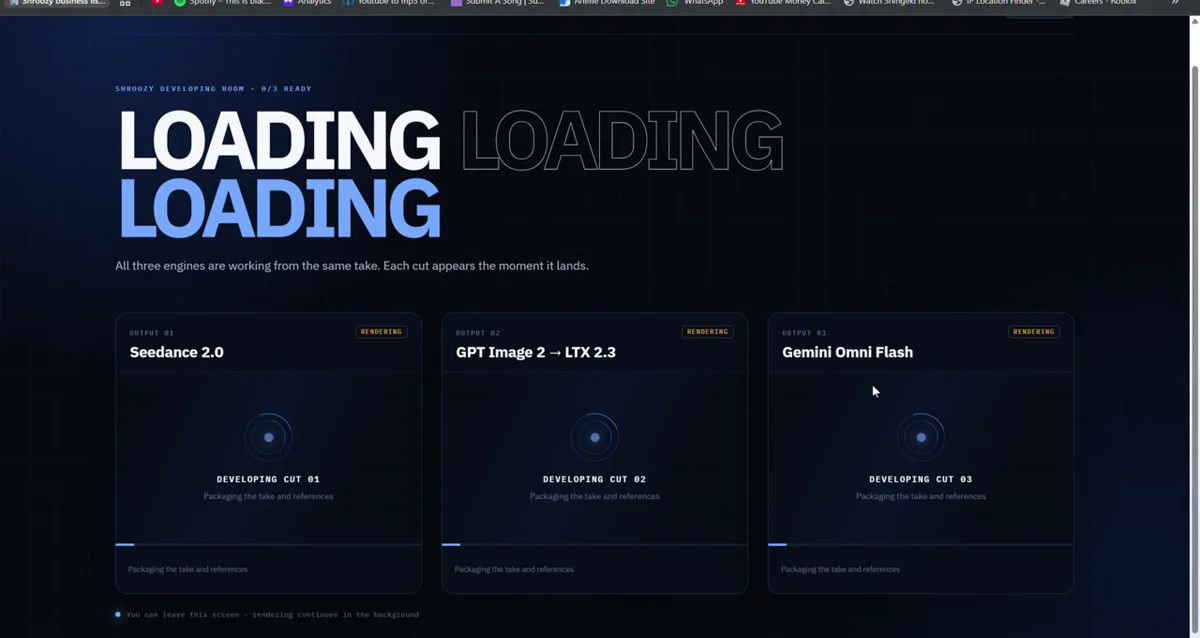
Send one recorded take to three finishing routes through fal, then review every result in the developing room.
Real frames captured from Shroozy Stage.

Everything below works with the prebuilt downloads. Nothing here needs an account, a server, or a payment — Shroozy Stage has none of those.
Grab ShroozyStage-Quest.apk from the latest release and sideload it.
With a Quest in developer mode, connected and authorised over USB:
adb install -r ShroozyStage-Quest.apkPrefer a GUI? SideQuest or Meta Quest Developer Hub install the same file. Launch it from Unknown Sources, and allow passthrough when the headset asks.
The monitor is where you watch the shot, record takes and run the AI passes. Install the Windows build from the release — no Node, no terminal. From a clone instead:
node DesktopMonitor/server/serve.mjs
Then open http://localhost:5050. No headset to hand? Press
Demo feed — the whole interface runs against a synthetic source.
Put the headset and the computer on the same network and start Shroozy Stage. The headset broadcasts a small presence beacon, so the monitor finds it on its own — pick it from Nearby headsets, or type its IP if your network blocks broadcast.
You are connected when VIDEO and CTRL both turn green. Traffic is a direct WebSocket on your LAN; it never leaves your network.
Blocking, directing, recording and playback need no key at all. The AI features —
casting, motion, 3D props, cinematic renders and Live Mode — call
fal.ai directly with a
key you own, so those generations are billed to your fal account and nothing is
proxied through us. Create one at
fal.ai/dashboard/keys;
it looks like id:secret.
FAL_KEY=id:secret in a root .env.The key is stored on your own hardware and is only ever sent to fal.ai. It is never logged, never shown back in full, and never transmitted anywhere else.
The whole project is in the repository: the Unity app, the monitor and the AI pipeline. With Unity 6000.5.2f1 (Android Build Support) and Node 18+:
git clone https://github.com/shroozy-studios/ShroozyStage.git
cd ShroozyStage
node Tools/build-apk.mjs
On Windows you can double-click build-apk.bat instead. It finds your
Unity install, optionally bakes your fal key into the APK so the headset needs no
setup at all, builds, and offers to install it over adb.
Deeper reference lives in the repository:
Shroozy Stage runs as a Quest app with a desktop monitor alongside it. Grab the signed builds from the latest GitHub release, or clone the repo and build both yourself.
The full mixed-reality directing studio: stage placement, casting, props, cameras, keyframes and recording.
The desktop companion: live headset feed, take recorder, automatic discovery and the AI developing room.
Shroozy Stage is one project from the Shroozy studio.
Learn more about Shroozy